dashboard
status and handoffSections of items, each with a status, a detail note, links, and a copy-able prompt. The header counts the statuses.
agent output → html
A reply in a terminal flattens structure: tables linearize, options become bullets, a diagram is not a diagram. Ask for an artifact in plain language and a deterministic core assembles one self-contained, sanitized, themed file and opens it. Seven kinds for the shapes a reply takes.
The first adapter is a Claude Code plugin. The core knows no host tool; more adapters follow.
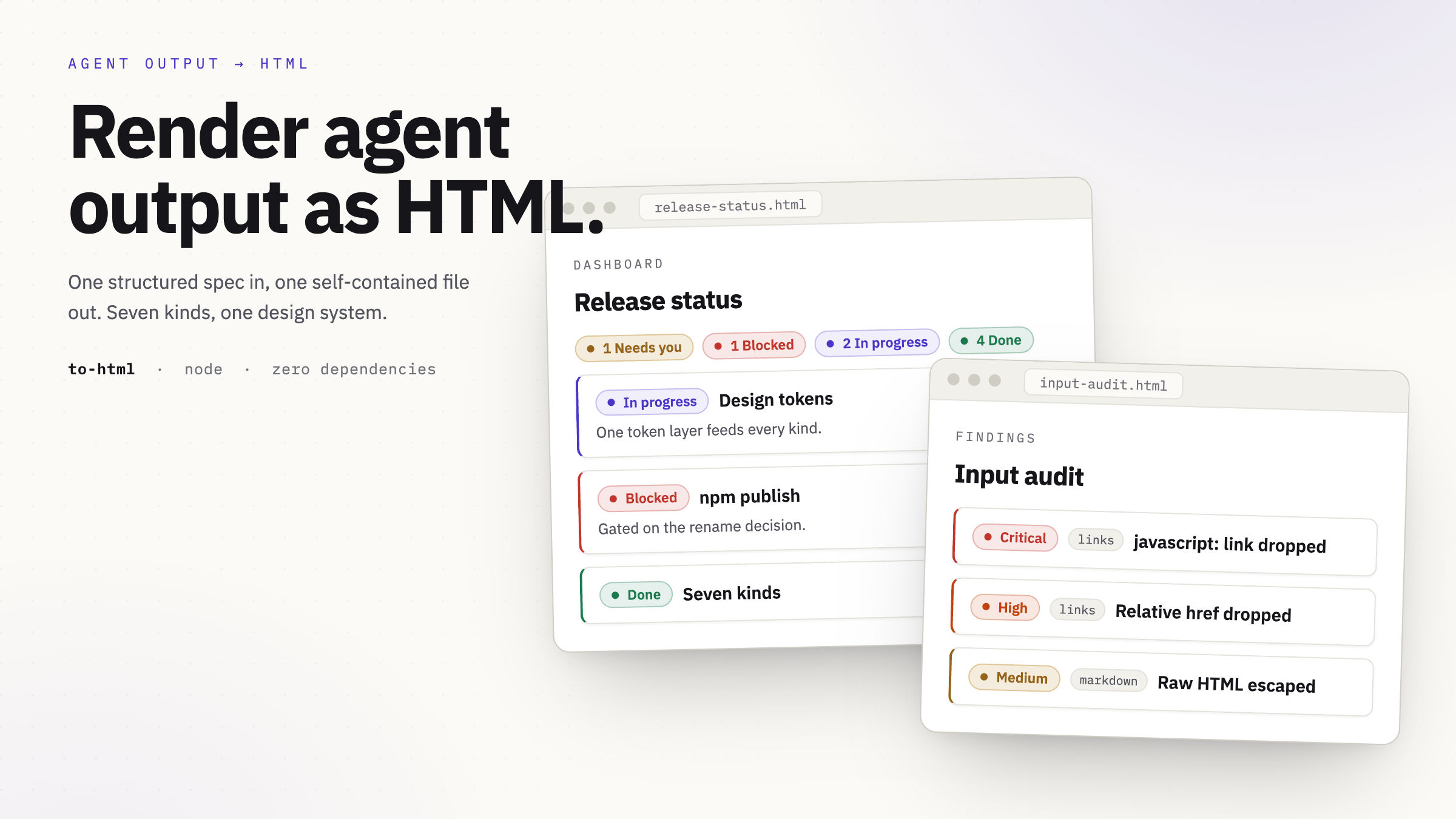
Sections of items, each with a status, a detail note, links, and a copy-able prompt. The header counts the statuses.
Sections carrying a data table and a list of links. A plain flag drops the styling to a bare table you can paste elsewhere.
Two to four cards side by side, each with pros and cons or bullets. One can be marked recommended.
A system or flow graph drawn from nodes and edges as inline SVG. No runtime; the graph ships inside the file.
Groups of items you can check off. Checked state is saved in the browser of whoever opens the file, and the file says so.
Cards for a set of files, each with an optional preview image and download links.
An audit or inventory list. Each finding carries a severity from critical to info, a category, and a description. The header counts the severities.
You ask for an artifact in the conversation: build me an html of this, show me the options, make a checklist.
The model picks the kind that fits and fills its typed spec from the task. It authors the spec, never the HTML.
The core validates the spec and builds one self-contained file: inline CSS and SVG, image data URIs, sanitized.
It writes the file and opens it in your browser. The same spec always produces the same file.
Plain-text fields are escaped and markdown is sanitized; unsafe links and images are dropped. An invalid spec is rejected with the field that failed, so the model can fix it and re-run. The core is Node with zero runtime dependencies, and it renders offline and from a file.
Set durable defaults:
/to-html config theme   dark | light | sepia | auto
/to-html config size    s | m | l | xl
/to-html config width   narrow | comfortable | wide
/to-html config font    sans | serif
/to-html config opener  Dia
opener names the browser the file opens in.